Animator++
A downloadable tool
Animator++
Version: 0.1.0
Unity: 2022.3 LTS or newer
License: MIT
“If you wish to make an apple pie from scratch, you must first invent the universe.”
— Carl Sagan
Simply put, I wanted Animator transition route nodes. That's all I needed.
But in order to get that, I had to recreate almost the entire Animator window.
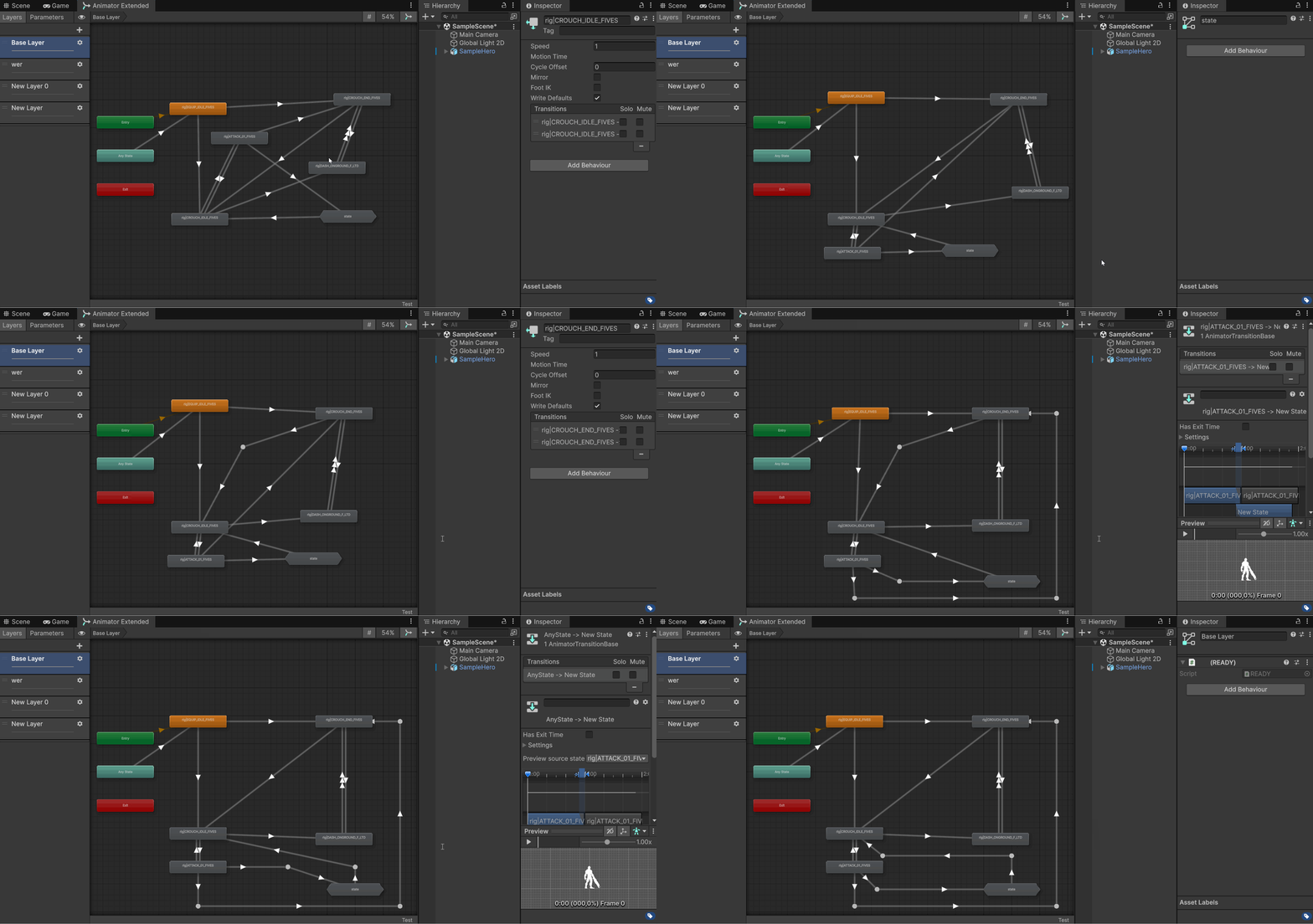
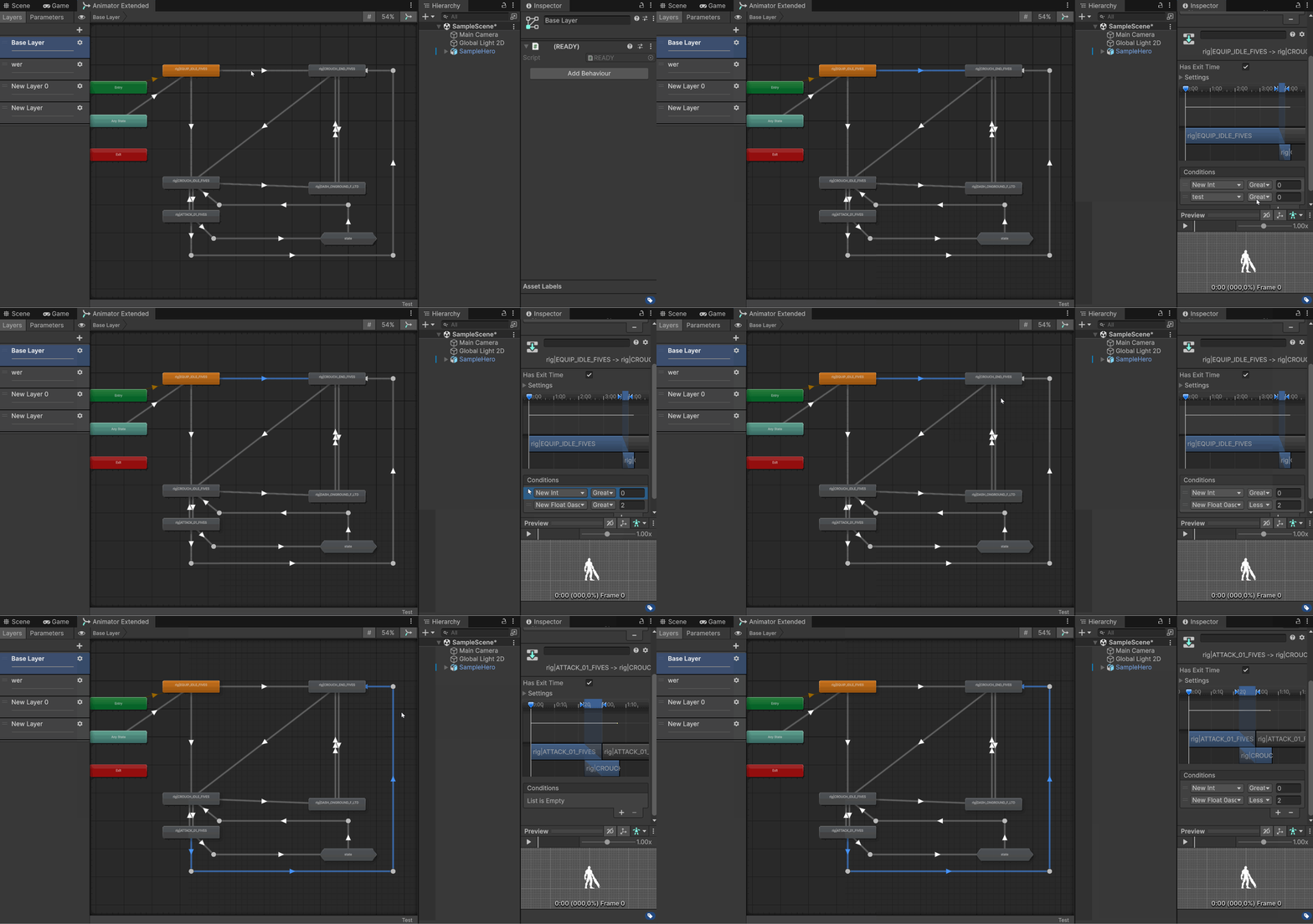
Animator ++ is a small Unity editor tool that rebuilds the Animator graph experience with a practical goal: adding editable transition reroutes and transition parameter copying.
It does not try to replace Mecanim.
It just tries to add a simple thing that somehow has not been added for a decade.
Eventually, I might add more features that I find useful, or see if someone suggest more. But for now, this is mainly a practical Animator workflow tool.
Features
- Animator-like graph window
- Editable transition reroute points
- Copy transition parameters between transitions
- Sub-state-machine navigation
- Blend tree visualization
- Multi-selection support
- Play Mode state progress display
- Layers and parameters sidebar
- Hopefully, most of the Animator features we commonly use
- ... And more (WIP snap to different grid sizes, configurable stuff and other stuff)
Installation
Just download the .unitypackage and install in your project
Usage
Open from:
Window > Animation > Animator ++
Then select an AnimatorController or a GameObject with an Animator.
How-to
Simple: Click CTRL/CMD+click, or right click "add reroute node" on a transition, to create a reroute node, and move it around.
For the transition parameter copy:
Right click
Parameter copy
Right click
Parameter paste on another transitions
Notes
This is an editor-only tool.
It does not modify runtime Animator behavior.
Claude helped me build specifically the reflection parts needed to ping the internals of unity's animator data structures, with layouts and UI placement when the situation went dire and seemed hopeless, and finally to proper comment everything so someone else can understand what the hell is going on
Use it with caution, as always. I am not responsible if you nuke your Animator because you pressed the wrong button. This is still in development, but it is a tool I am actively using.
REMEMBER: I tried to recreate as best as I could the unity animator window, just for a single feature that was driving me crazy. I couldn't do EVERY little detail right, but I think for now is close enough. If you have ideas to add, or to improve, please feel free to fork the project, or submit a PR and I might add your changes here. Hope this sparks a better animator experience overall.
Cheers!
License
MIT License
Donations
Any donation will aid into me putting more time to improve this little tool. If not, just happy that you might find this useful. Enjoy!
Download
Click download now to get access to the following files: